
Linux Download
Automated Installation
$
Run this script in your terminal to automatically download and configure the software.
ARM64
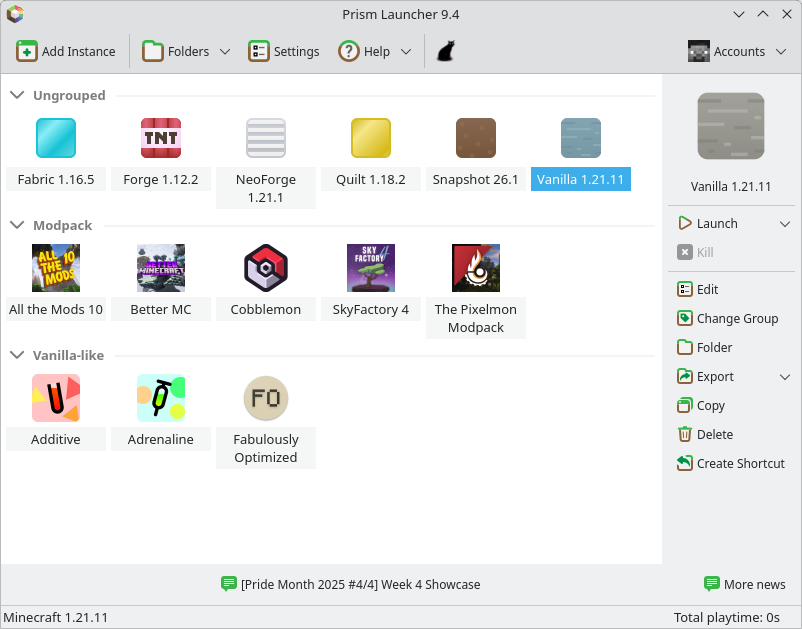
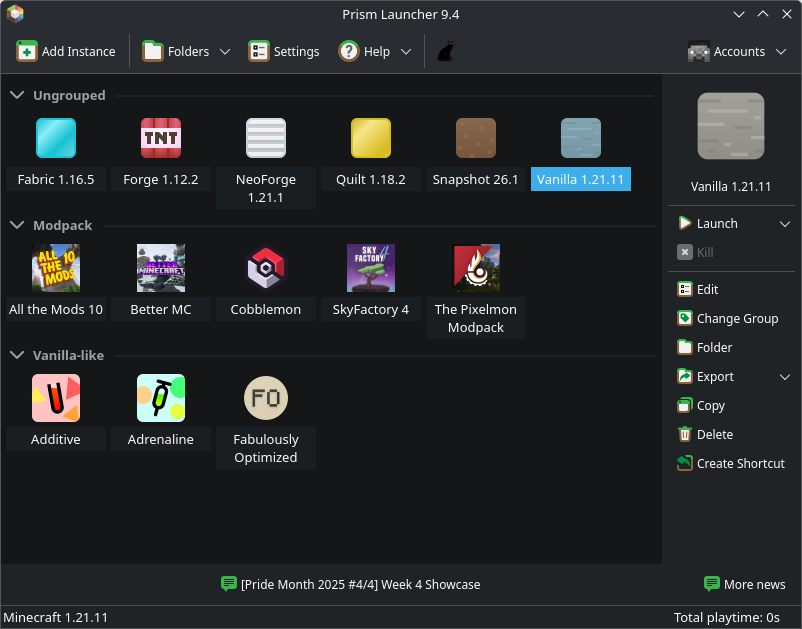
Official Packages
Nix / NixOS
An official Nix Flake is available for development and release builds.
AppImage
AppImages allow you to take a single file and run Penguin anywhere. AppImage builds only support x86_64 and ARM64.
Making the AppImage Executable
After downloading the AppImage, open your file manager and make it executable. You should now be able to run it with a click!
CLI
on x86-64:
curl -LO https://github.com/penguincre8te/PenguinLauncher/releases/download/11.0.2/PenguinLauncher-Linux-x86_64.AppImagechmod +x ./PenguinLauncher-Linux-x86_64.AppImage./PenguinLauncher-Linux-x86_64.AppImageon ARM64:
curl -LO https://github.com/penguincre8te/PenguinLauncher/releases/download/11.0.2/PenguinLauncher-Linux-aarch64.AppImagechmod +x ./PenguinLauncher-Linux-aarch64.AppImage./PenguinLauncher-Linux-aarch64.AppImage